
Plant identification
Identify a plant with one photo
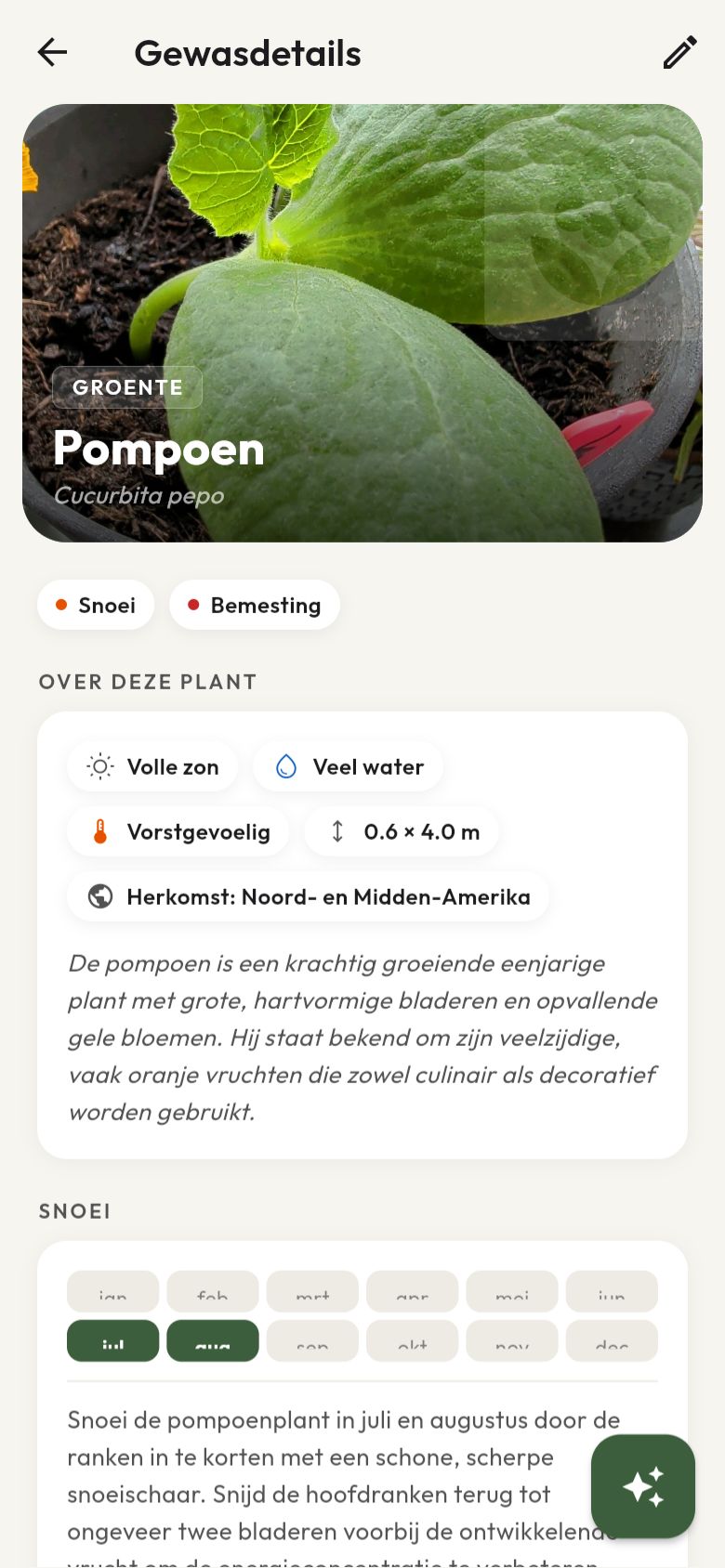
No idea what that shrub in the border is called, or what was actually in that nursery pot you bought two years ago on a whim? Take a photo in Gardi and within seconds you get the botanical name, the common name and a complete care schedule: when to prune, how often to fertilise, and whether the plant is frost-sensitive.
From photo to care schedule in one step
Most plant apps stop at a name. Gardi goes further: once the species is known, the app immediately adds a complete care schedule next to it. Pruning months, fertilising frequency, whether the plant wants full sun or shade, how much water it needs, and whether it's sensitive to frost. That data goes straight into your maintenance calendar, so you don't have to look up separately when the hydrangea is due again.
Identification works from a photo of a leaf, flower, fruit or the whole plant. The clearer the photo, the more confident the identification. Gardi always shows how confident the model is, and asks for a second photo if it really can't tell.
Handles look-alike species too
Some species look a lot alike — think of the many hydrangea or magnolia varieties. If the model is unsure, you don't get a bad guess, you get a short list of the most likely candidates with a photo. You pick the right one, and the rest of the app immediately works with the correct care data.
If the model asks for an extra photo from a different angle or a close-up of a leaf or flower, that extra-photo button is part of Premium. Regular identification and choosing from candidates are, and remain, free.
Free vs. premium
What does plant identification cost?
Free
- AI plant identification via photo, unlimited use
- Choosing from candidates when species look alike
- Automatic care schedule (pruning, fertilising, frost sensitivity)
- Reference photo for every identified plant
Premium
- Extra-photo button when the model asks for a second angle or close-up
- AI plant chat to ask follow-up questions about your specific plant
- Unlimited gardens and plants to identify
Frequently asked questions
Plant identification — Q&A
How does Gardi's plant identification work?
Take a photo of a leaf, flower or the whole plant. Gardi sends it to an AI model specialised in plant identification and returns a botanical name, a common name and care data within seconds: pruning months, fertilising frequency, and whether the plant is frost-sensitive.
What if Gardi is unsure between two species?
For closely related species that look alike, Gardi shows a short list of candidates with a photo and name for each option. You simply pick the right one. Choosing from candidates is free, just like regular identification.
Is plant identification free?
Yes. AI plant identification, including choosing from candidates when uncertain, is part of the free plan. Premium adds an extra-photo button for cases where the model asks for a second angle or a close-up.
Does identification also work for houseplants and vegetable garden crops?
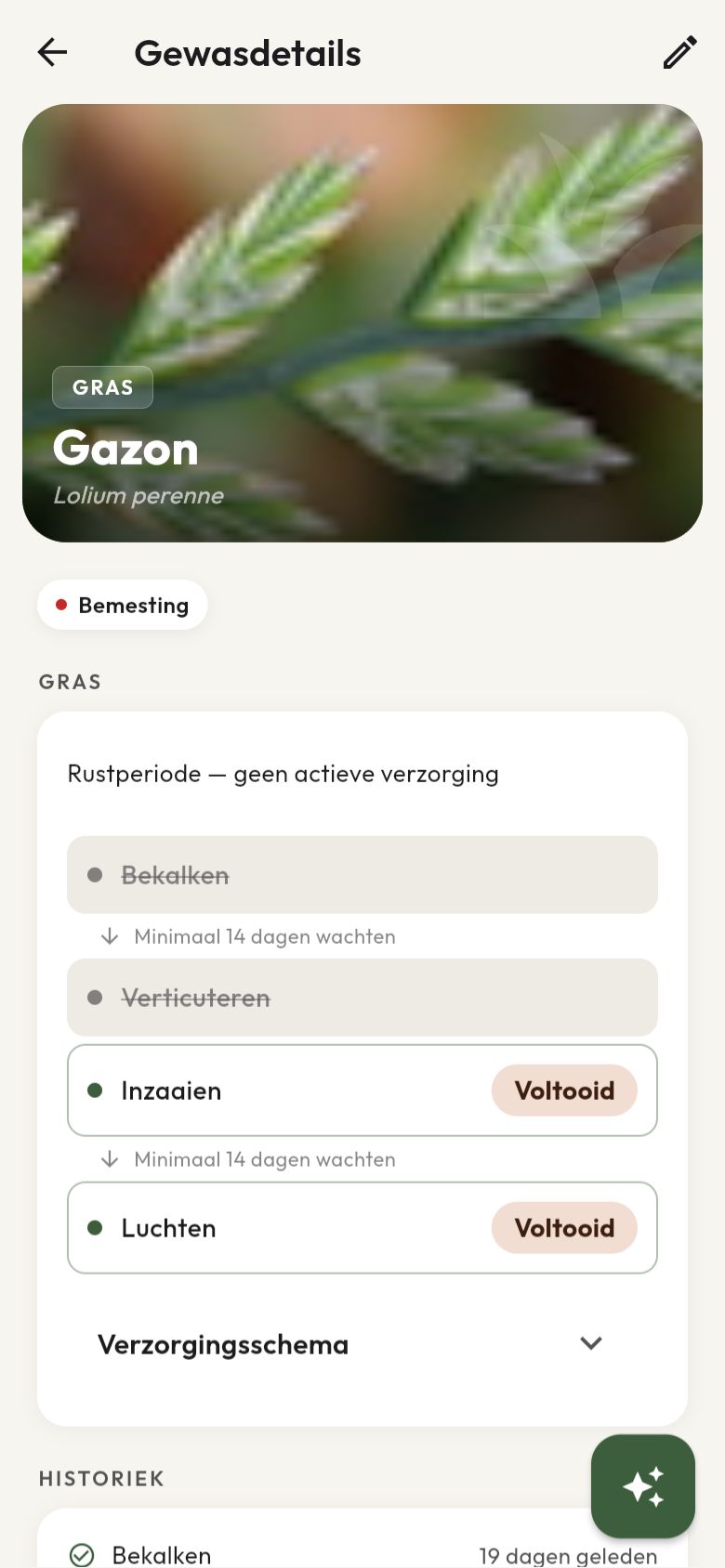
Yes. Gardi identifies trees, shrubs, perennials, lawn, vegetable garden crops and houseplants. For every identified plant the app also shows a reference photo once the species is known.
Try it yourself
Take a photo and see it work instantly
Start free, no credit card needed. On Android you can already join as a beta tester.